Pack of ten animated

Displace­ment

maps

Add texture and grit to your projects. Perfect imperfections.
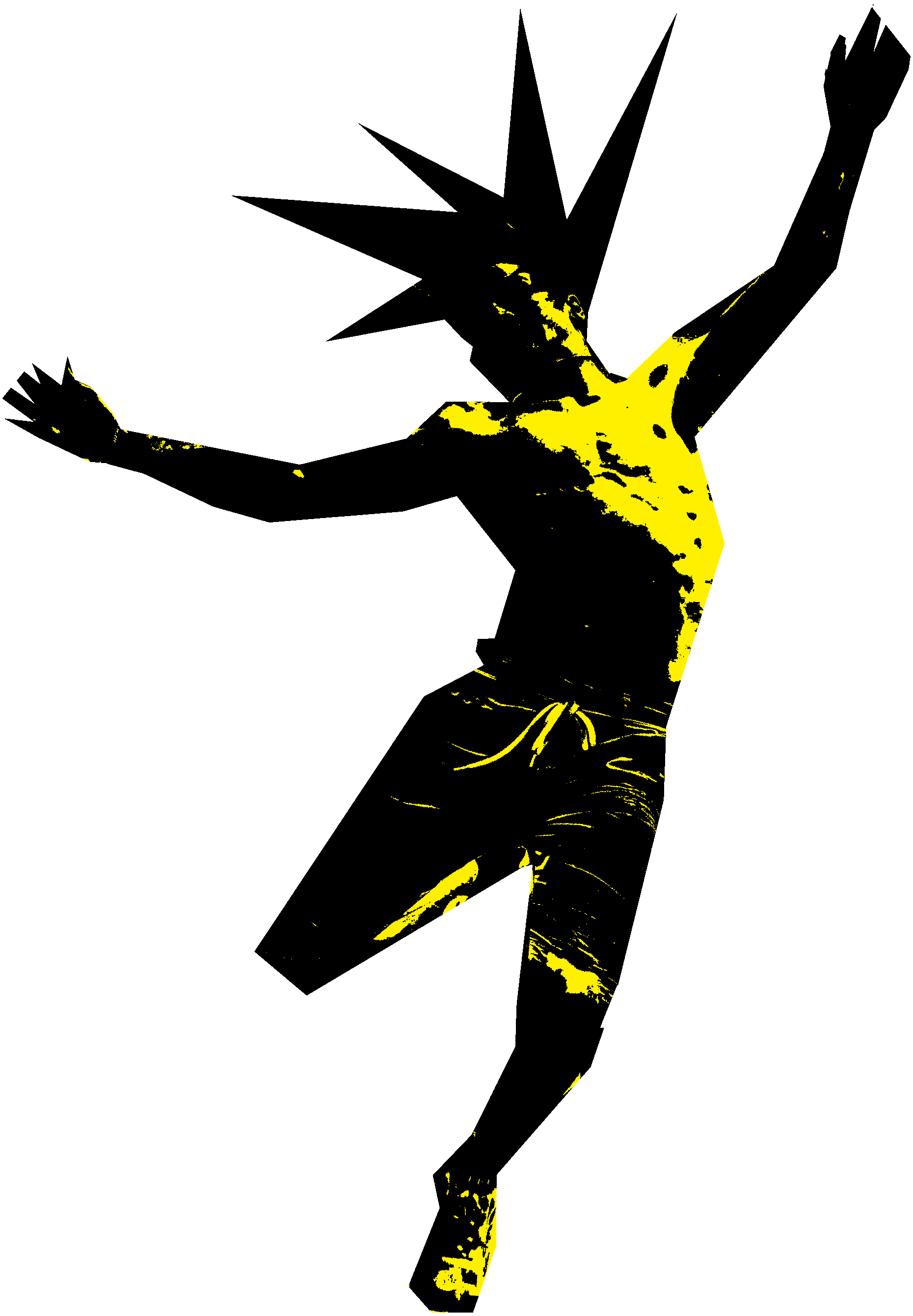
Hero (guy) Image
watch sizzle
→
Play
Sizzle
▶

Add that final touch to your creation with our animated displacement maps. Works in Adobe After Effects, DaVinci Resolve, and any other compositing software. With the fine details in our 3840 x 2160 .png sequence displacement maps, you can use it on 4k projects or use portions for different looks.

Do you find yourself needing to add that final touch? Client asking to make it “pop” more? Maybe some imperfections can help.


this pack has 10 maps, each at 4k

Overview
of the
pack
▶

Here is some text as an

Off

X

Y


Please note: these are still image previews. Downloaded pack has the .png sequences.

In this simplified example you can see x or y, while in your editing software you can mix and match any value. Additionally you can grab the red, green, or blue channels. In our web example here, it’s just pulling the black and white values.

How
to use
How
it
works
▶

What designers are making


Here are some example projects made by our team and other creatives.
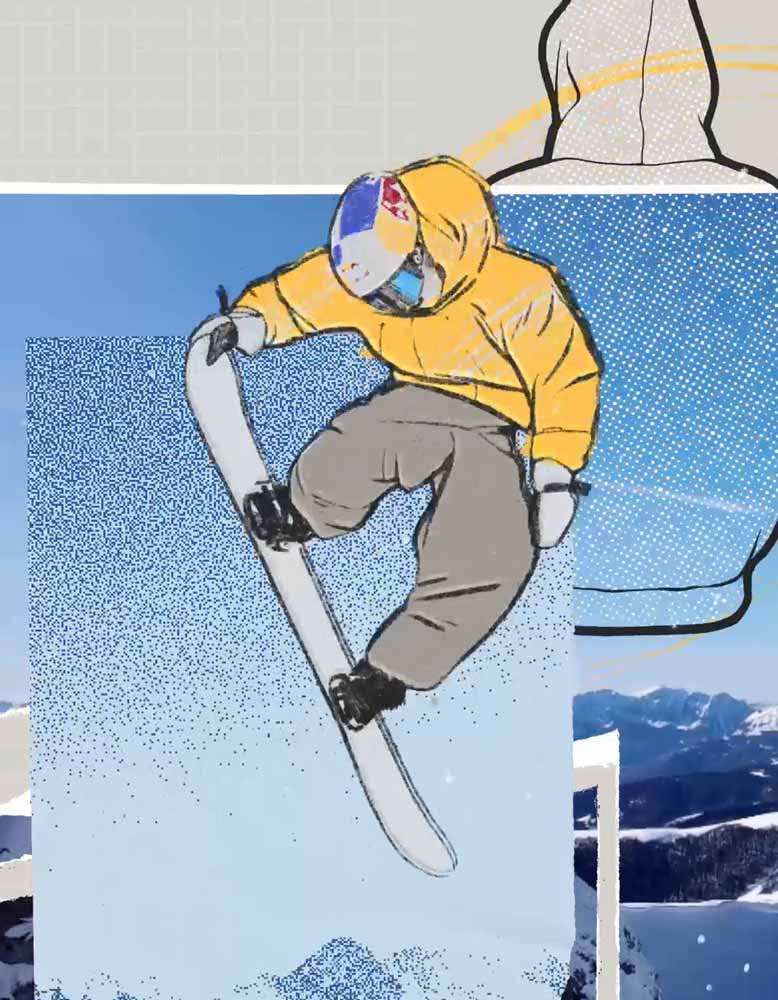
Want to showcase
your work here?

Submit 🡒

Q?

Common questions. Feel free to contact us if you still are unsure.
What file format are the assets?
→
Each map is a 3840 × 2160 PNG 8bit image sequence. Each sequence’s duration is different depending on how many frames it needs to not appear to be looping.
What is a displacement map?
→
It’s a grayscale or color image that tells your software how far to shift each pixel. Instead of laying a texture over your image, it shifts and warps your image with the texture. The result is grain, paper, raindrops or glitches that look like they’re part of your footage.
Do they loop?
→
Yes, by nature these are glitchy/imperfect and can be looped.
How do I import a PNG sequence?
→
Import the first frame and check “PNG sequence” in After Effects or enable “Image sequence” in Resolve. The included video guide (and above video) walks you through it.
Can I use different color channels?
→
Yes, the red, green and blue channels each hold different detail, so one map gives you three distinct distortions. You can also displace along X or Y separately, or both together.
Will these work in my software?
→
In After Effects use the Displacement Map effect. For DaVinci, Fusion’s Displace node. In Photoshop, use Filter → Distort → Displace (save the frame you want as a .psd first; Photoshop only accepts PSD maps). In Blender you can use it as a texture input or in the Displace node in the compositor.
Can I use them for vertical video?
→
Yes. Crop a 9:16 section from the 4K frame for the full 1080 × 1920 quality.
How do I get the files after purchase?
→
Right after buying, you can download straight from the confirmation page. You’ll also get an email with a download link. The pack is saved to your account so you can re-download any time.
Will I get updates?
→
Yes, any new updates added to this pack in the future will be free for you.
Which license do I need?
→
One person working with the files: Standard. A team of 2–50: Extended. Larger teams or theatrical releases: contact us about Enterprise.
Can I use these for paid ads or a monetized YouTube channel?
→
Yes, both licenses cover this.
Can I send the project file to my client?
→
Deliver the assets rendered/baked into your final export. If your client needs the original asset files, they’ll need their own license.
What’s your refund policy?
→
Because these are instant downloads, all sales are final. If something isn’t working or isn’t as described, contact us and we’ll make it right.
NewHead_displacement-maps_vol01.zip
12.7 GB
what's inside
1x .pdf guide
2x video guides
CRTpc
3840 × 2160 image sequence.png
CRT overlay.png
DirtyScan
3840 × 2160 image sequence.png
Dust
3840 × 2160 image sequence.png
GrainHarsh
3840 × 2160 image sequence.png
GrainSoft
3840 × 2160 image sequence.png
LEDglitch
3840 × 2160 image sequence.png
PaperLight
3840 × 2160 image sequence.png
PaperRipped
3840 × 2160 image sequence.png
PaperTextured
3840 × 2160 image sequence.png
Raindrops
3840 × 2160 image sequence.png
Compatibility
After Effects, DaVinci, Blender, Photoshop, and any editing software with texture displacement capabilities.

Let's
Stay
in
touch

We write about our observations on  design and where the trends are leading.

‍

By subscribing you agree to Substack's terms, privacy policy and info collection notice.

Unsubscribe anytime.

I was going to say no spam, but we may write an article about the versatile font Souvenir, as seen on Spam cans.  

Standard License
1
Creative

For one person. Freelancers, students, solo creators.


Extended License
2-50
Creatives & Teams

For teams of 2–50 people who will work with the asset files. Agencies, studios, production companies. For larger teams please contact us for an Enterprise License.
‍

Both licenses include perpetual use on unlimited projects. For personal and commercial work, including client work, paid ads, monetized channels, websites, apps, videos, animations, broadcast and film (excluding theatrical release). Theatrical releases require an Enterprise License. If a project made under a Standard or Extended License is later picked up for theatrical distribution, please contact us to upgrade.

If you hand off files to a client or another creative team, please bake assets into work. If not possible, the new user/team must obtain an appropriate license.

Reselling or redistributing the assets, including in templates, stock libraries, or AI/ML training data is not allowed.


Feel free to contact us if you have any questions.

Loading
.
.
.