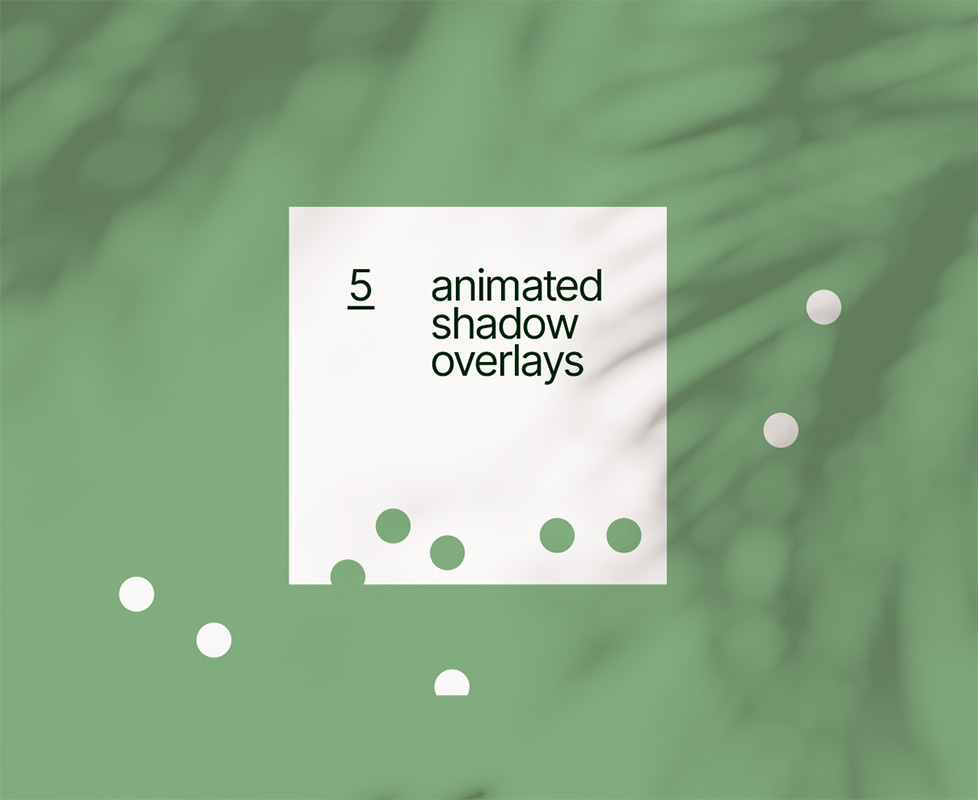
Pack of five animated light and

shadow

overlays

Volume 1

watch sizzle
→
Play
Sizzle
▶

Add some depth to a design project with our animated shadow overlays. Simply drag and drop into your editing software and set the blend-mode to multiply, screen, soft light, or whatever works best. Ready to use overlays for After Effects, Premiere Pro, Final Cut Pro, DaVinci Resolve, and any other video editing software with blend modes.

5 assets

each at

10 seconds

4k

In neutral colors for overlay, multiply, or screen.

24 fps

Off


Please note: these are just previews, and downloaded will be higher resolution (crispy 4k).

Overview
of the
pack
▶

Just drag & drop

Then set the blend mode.
Overlay, multiply, and screen work great.

how
it
works
▶

What designers are making


Here are some example projects made by our team and other creatives.
Want to showcase
your work here?

Submit 🡒


Looking for more? We also have a volume 2 pack featuring 14 filmed light and shadows.

Q?
Common questions. Feel free to contact us if you still are unsure.

What file format are the assets?
→
4K (3840 × 2160) .mov files encoded in ProRes 422 at 24 fps, each one is 10 seconds. The pack also includes a 4K PNG still of each overlay for photo and graphic design work.
What are the shadows and light patterns?
→
Three geometric/windows and two nature/plants versions.
Are they real or computer-generated?
→
These are rendered.
Do they have a transparent background?
→
No, and they don’t need one. They’re neutral colors, so setting the blend mode to multiply, overlay or screen makes the dark and light parts appear on your graphics or footage.
Do the assets loop?
→
No, but feel free to retime or bounce.
My project is 30 or 60 fps. Will they work?
→
Yes. The shadows move slowly so dropping 24 fps clips into a 30 or 60 fps timeline looks smooth. You can also retime them to fit your timeline.
Can I change the color of the light?
→
Yes. Since the overlays are neutral, they take on your footage colors. But have fun changing the colors to create different moods.
Will these work in my editor?
→
They work in any software with blend modes such as: Premiere Pro, After Effects, DaVinci Resolve, Final Cut Pro, CapCut, and Photoshop.
Can I use them on photos or graphics?
→
Yes, the pack includes a 4K PNG still of every overlay. Place one above your image in Photoshop (or any app with blend modes).
Can I use these for vertical videos (Reels, TikTok, Shorts)?
→
Yes. The 4K frame is large enough to crop to 9:16 at full 1080 × 1920 quality.
What’s the difference between Vol 1 and Vol 2?
→
This pack has 5 animated, smooth, no grain/noise overlays. Vol 2 has 14 filmed light and shadows.
How do I get the files after purchase?
→
Right after buying, you can download straight from the confirmation page. You’ll also get an email with a download link. The pack is saved to your account so you can re-download any time.
Will I get updates?
→
Yes, any new updates added to this pack in the future will be free for you.
Which license do I need?
→
One person working with the files: Standard. A team of 2–50: Extended. Larger teams or theatrical releases: contact us about Enterprise.
Can I use these for paid ads or a monetized YouTube channel?
→
Yes, both licenses cover this.
Can I send the project file to my client?
→
Deliver the assets rendered/baked into your final export. If your client needs the original asset files, they’ll need their own license.
What’s your refund policy?
→
Because these are instant downloads, all sales are final. If something isn’t working or isn’t as described, contact us and we’ll make it right.
NewHead_shadow-overlays_vol1.zip
2.33 GB
what's inside
1x .pdf guide
2x video guides
Video overlays folder
5x overlays 3840 × 2160px.mov
PNG stills folder
5x stills 3840 × 2160px.png
Compatibility
Premiere Pro, After Effects, DaVinci, Final Cut, Photoshop, and any editing software with blend modes

Let's
Stay
in
touch

We write about our observations on  design and where the trends are leading.

‍

By subscribing you agree to Substack's terms, privacy policy and info collection notice.

Unsubscribe anytime.

I was going to say no spam, but we may write an article about the versatile font Souvenir, as seen on Spam cans.  

Standard License
1
Creative

For one person. Freelancers, students, solo creators.


Extended License
2-50
Creatives & Teams

For teams of 2–50 people who will work with the asset files. Agencies, studios, production companies. For larger teams please contact us for an Enterprise License.
‍

Both licenses include perpetual use on unlimited projects. For personal and commercial work, including client work, paid ads, monetized channels, websites, apps, videos, animations, broadcast and film (excluding theatrical release). Theatrical releases require an Enterprise License. If a project made under a Standard or Extended License is later picked up for theatrical distribution, please contact us to upgrade.

If you hand off files to a client or another creative team, please bake assets into work. If not possible, the new user/team must obtain an appropriate license.

Reselling or redistributing the assets, including in templates, stock libraries, or AI/ML training data is not allowed.


Feel free to contact us if you have any questions.

Loading
.
.
.